

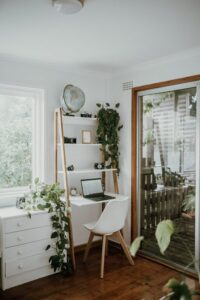
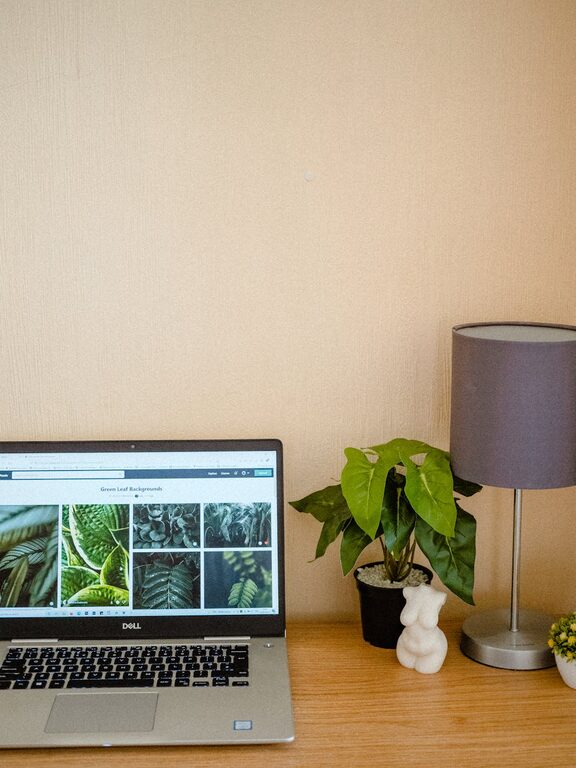
Creating a home workspace that balances comfort and functionality can greatly enhance your productivity and overall work experience. Whether you’re working from home full-time or just need a dedicated spot for occasional tasks, your workspace should inspire focus while making you feel relaxed and motivated. Here are some practical tips for designing a cozy and functional home workspace.
Choose the Right Location
The first step in setting up an ideal home workspace is selecting the right spot. Consider these factors when deciding where to set up your workspace:
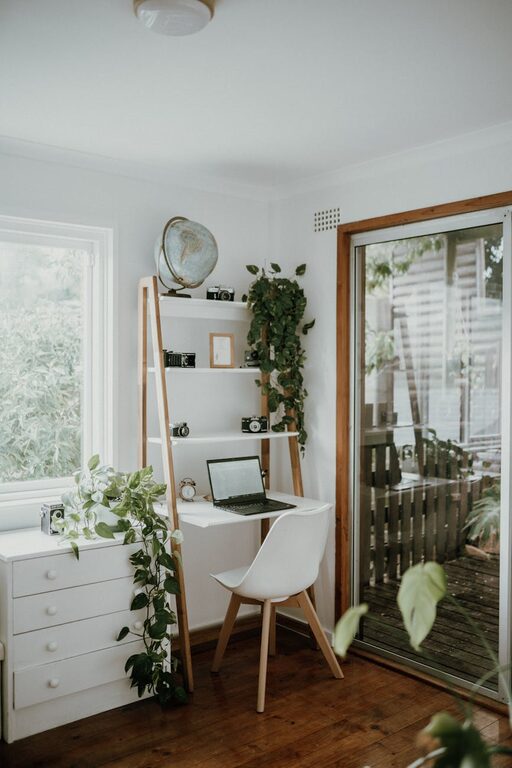
– Natural Light: Choose a location near a window to benefit from daylight. Natural light helps reduce eye strain and uplifts your mood.
– Quiet Area: Find a space away from high-traffic or noisy parts of your home to minimize distractions.
– Sufficient Space: Make sure there’s enough room for your desk, chair, and any necessary equipment or storage.
If space is limited, a nook or even a corner of a room can be converted into an effective workspace with some creativity.
Invest in Ergonomic Furniture
Comfort is key to staying productive. Ergonomic furniture can prevent discomfort and health issues caused by poor posture.
– Ergonomic Chair: Choose a chair that supports your back and allows you to sit comfortably for long periods. Adjustable height, lumbar support, and cushioned seating are important features.
– Appropriate Desk: Your desk should be at a height where your arms rest comfortably while typing or writing. Adjustable desks that can switch between sitting and standing positions are a great option.
– Monitor Position: Position your computer monitor at eye level to avoid neck strain.
Organize with Practical Storage Solutions
A cluttered workspace can lead to stress and distraction. Use smart storage solutions to keep your workspace tidy:
– Desk Organizers: Use trays, pen holders, and files to keep desks clear.
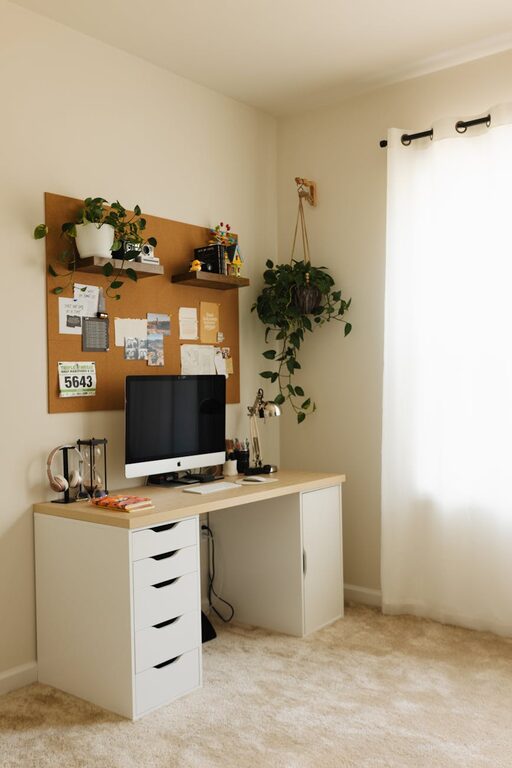
– Shelving: Wall shelves or bookcases keep items off the desk but within easy reach.
– Drawers and Bins: Store less frequently used items in labeled drawers or bins to maintain order.
– Cable Management: Use cable clips or a cable box to tidy cords and prevent tangling.
Enhance Lighting for Comfort
Good lighting reduces eye strain and creates a pleasant atmosphere. Besides natural light:
– Task Lighting: A desk lamp with adjustable brightness directs light where you need it most.
– Warm Light Options: Consider bulbs with warm tones to create a cozy feel, especially if you work in the evening.
– Avoid Glare: Position lights, monitors, and windows to minimize glare on your screen.
Personalize Your Space
Adding personal touches makes your workspace inviting and motivating:
– Plants: Small potted plants or succulents bring freshness and boost mood.
– Artwork and Photos: Decorate with inspirational prints or personal photos that make you smile.
– Colors: Choose colors that you find calming or energizing—soft blues and greens are good for focus, while brighter shades can inspire creativity.
– Comfort Items: A cozy throw blanket or a cushioned chair pad can add physical comfort.
Minimize Distractions
Focus is crucial in any workspace. Here are ways to reduce distractions:
– Set Boundaries: If living with others, communicate your work schedule and request quiet time.
– Use Noise-Canceling Headphones: These help block out background noise.
– Clean Workspace: Keep your desk clutter-free to avoid visual distractions.
– Turn Off Notifications: Limit digital interruptions by silencing non-essential notifications during work hours.
Technology Setup and Tools
Ensure that your technology supports your work efficiently:
– Reliable Internet: Use a strong, stable internet connection.
– Quality Equipment: Invest in a good keyboard, mouse, and headphones.
– Extra Screens: Consider a second monitor if your work involves multitasking or detailed projects.
– Backup Power: A surge protector or UPS can protect your devices and keep you working during outages.
Establish a Routine and Break Area
To maintain productivity and well-being, a healthy work routine is important:
– Start and End Times: Set regular work hours to create boundaries between work and home life.
– Break Space: Have a nearby spot where you can take short breaks away from your desk.
– Stretching and Movement: Incorporate short stretches or walks to reduce fatigue.
Keep It Flexible
Your needs may change over time, so design your workspace to be adaptable:
– Use modular furniture that can be rearranged.
– Incorporate mobile storage units.
– Choose neutral designs with easy-to-update accents.
—
A well-designed home workspace blends comfort and functionality to help you work better and enjoy your time at home. By combining thoughtful layout, ergonomic furniture, good organization, and personal touches, your workspace can become a welcoming place where creativity and productivity thrive. Start with these tips, and adjust your space as you discover what works best for you!